How do I update my payment method on my subscription?Updated 6 months ago
1. Login to your account: https://wanderingbearcoffee.com/account/login?error=login_required
2. Click "Manage Autoship"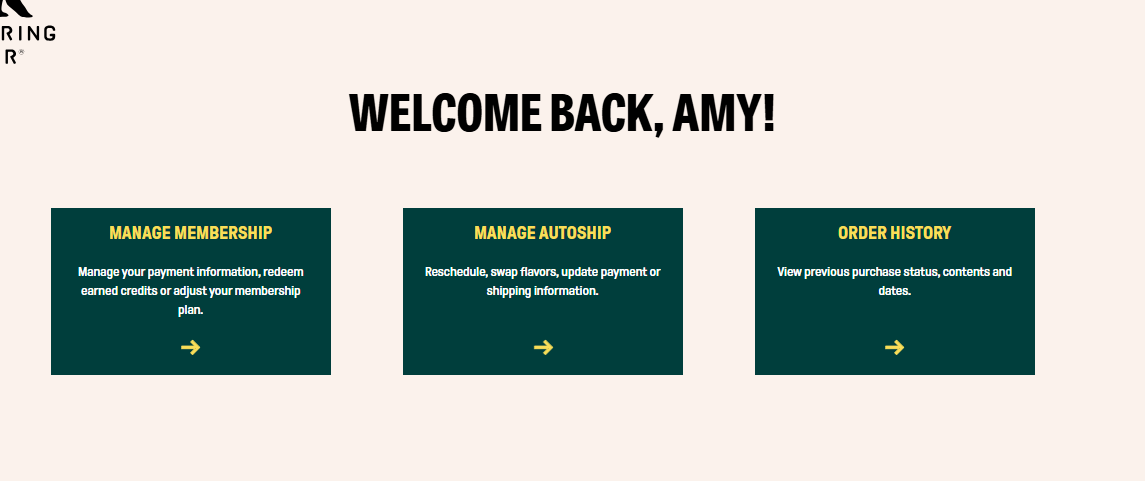
3. Scroll down on subscription to section that says Payment Method
4. Click the little Pencil button in the upper right corner
5. Click Add new Payment Method
6. Then make sure to select the payment method you want to use for the subscription, and confirm by clicking Use This Payment Method