
How do I use my membership credits (autoship)?Updated a month ago
For an active autoship:
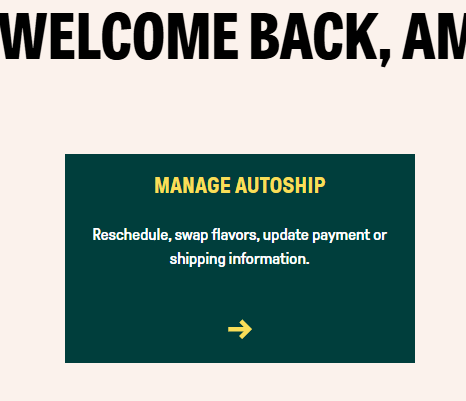
Login to your account portal and click on “Manage Autoship.” From there you will be able to see how many credits you’ve accumulated and apply them in the form of a discount code on your next order. Credits expire 60 days after they are issued.
Then, click on Membership at the top next to Order History

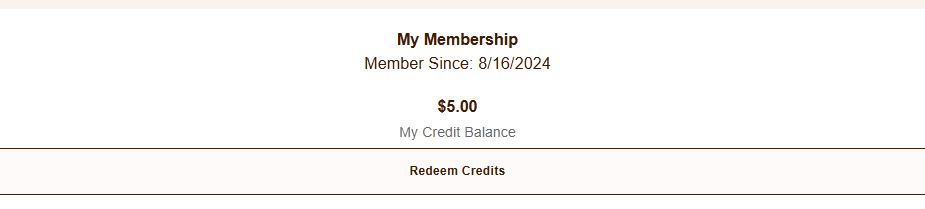
From here you can click "Redeem credits" and type in the amount of credits you have available
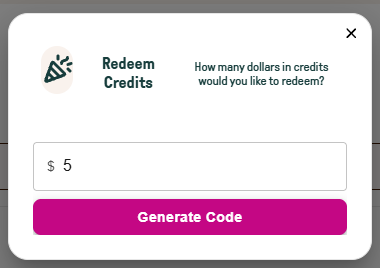
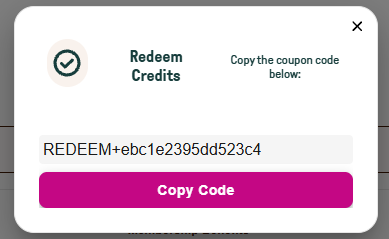
Click "Generate Code" and then "Copy Code"
Lastly, click the "Subscriptions" button to the left of Order History. 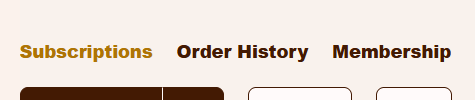
Scroll down and find the discount box and paste your code into the discount code area. Then click "Apply."
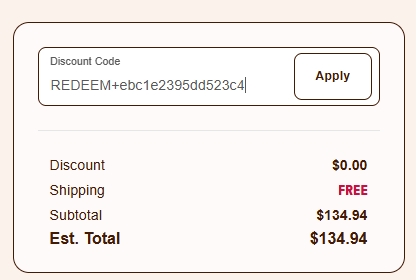
Once you click apply, wait a minute or two, or click refresh on the page to see your discount code on your next order.