
How do I use my membership credits?Updated 24 days ago
For an active autoship:
Login to your account portal and find the “Your Credit” section.
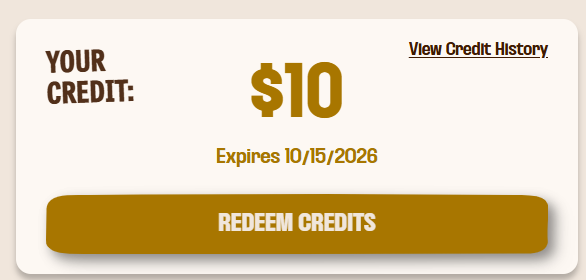
From there, click redeem credits and then decide if you want to Fully Redeem or Partially Redeem the credit.
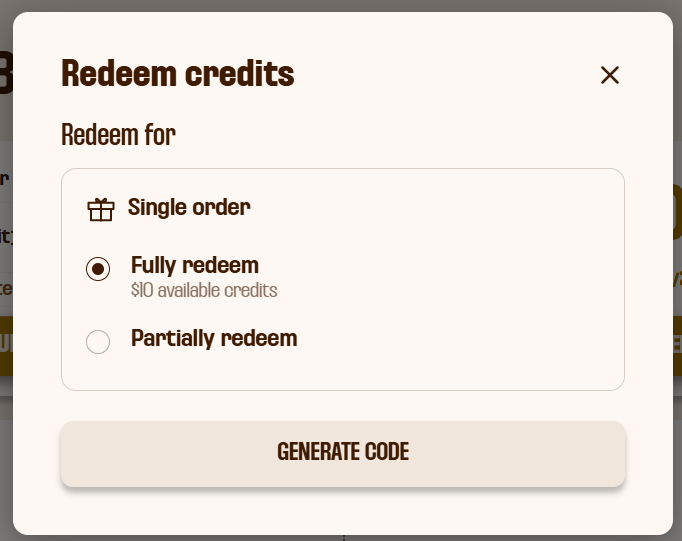
Click "Generate code" to get the discount code to apply to your upcoming autoship.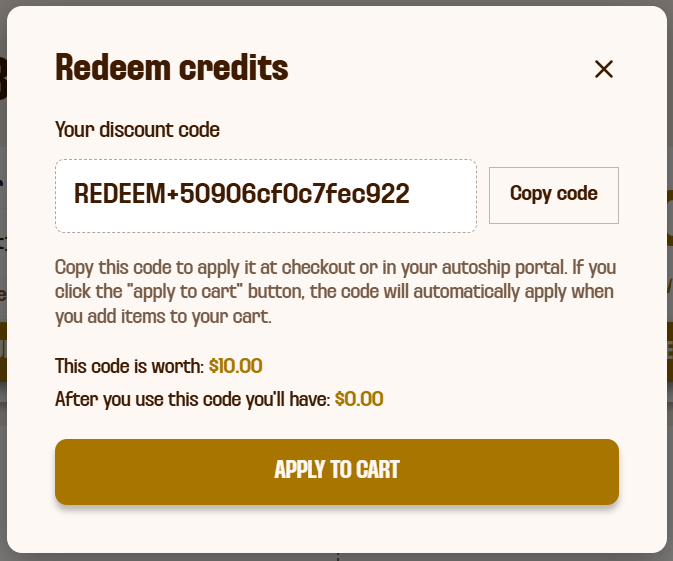
Click "Copy code" and then close the credit box. Now, go to the autoship box and click "Manage Upcoming Orders."
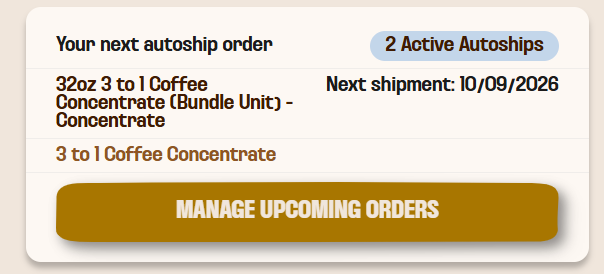
Scroll down and find the discount box and paste your code into the discount code area. Then click "Apply."
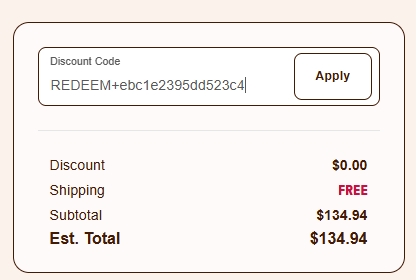
Once you click apply, wait a minute or two, or click refresh on the page to see your discount code on your next order.
For a one-time or new autoship order on the site:
Login to your account portal and find the “Your Credit” section.
From there, click redeem credits and then decide if you want to Fully Redeem or Partially Redeem the credit.
Click "Generate code" to get the discount code to apply to your upcoming autoship.
Click "Apply to cart" and then shop normally on site, and your credit will automaticlaly apply at chekcout. If you prefer to apply it manually, you can also click copy code and apply it that way.
Questions? Email [email protected]